Running Modern Apps on Kubernetes
Kubernetes makes it easier to deploy, scale, and manage applications consistently across environments. In practice, it gives teams a strong foundation for handling traffic spikes, rolling updates, and resilient workloads without rewriting the application architecture each time.
Why Kubernetes
When applications grow beyond a single server, managing them manually becomes inefficient. Kubernetes provides a clean abstraction for handling scheduling, health checks, scaling, and networking between application services.
This means teams can focus more on building features and less on routine infrastructure maintenance.
Deployment process
Prepare the container image
The application is containerized and pushed to a registry with a tagged version so the cluster can pull and manage it consistently.
Define deployment and service manifests
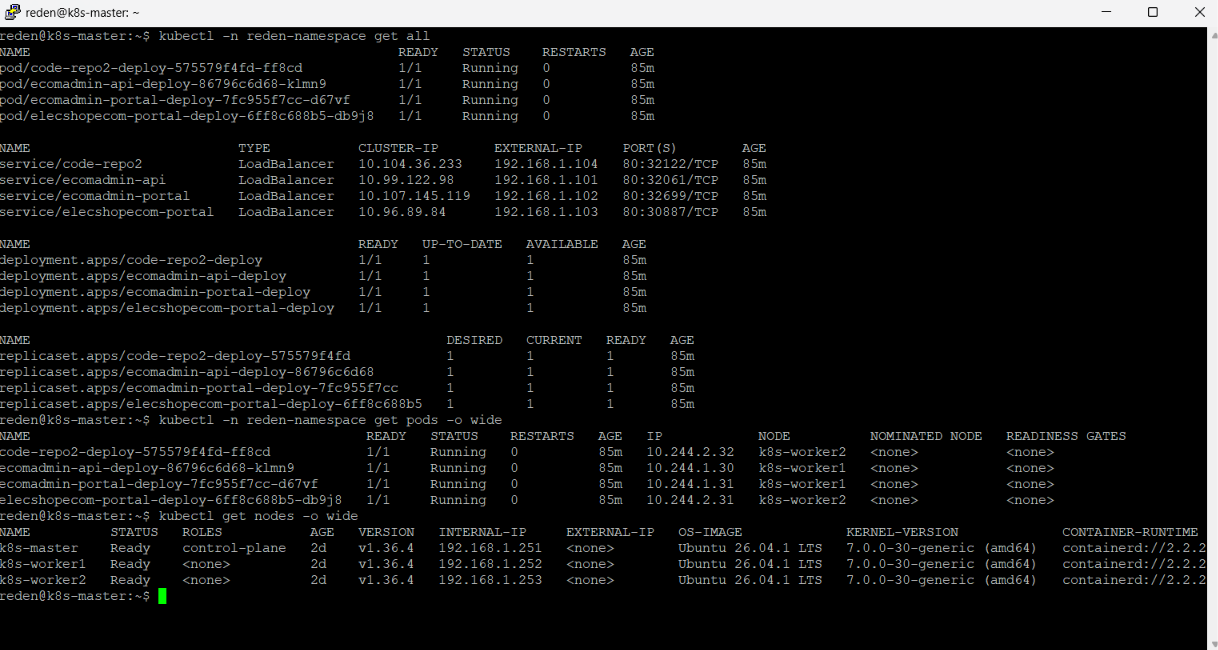
Kubernetes manifests declare the desired state for pods, services, config maps, and ingress rules. This keeps deployments predictable and repeatable.
Validate health and readiness
Readiness probes ensure traffic is sent only after the app is ready, while liveness checks help the cluster recover from unhealthy instances automatically.
Observe and scale
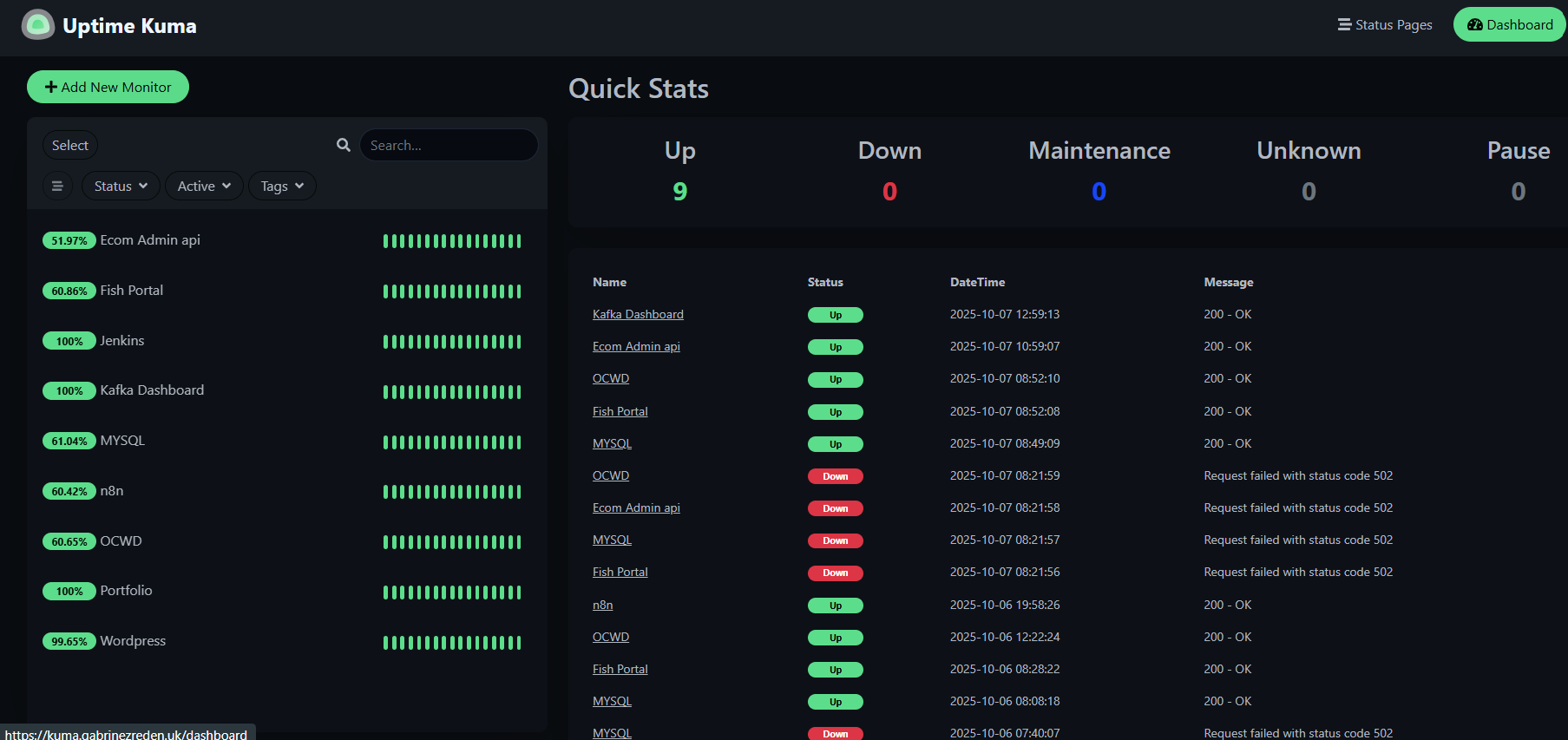
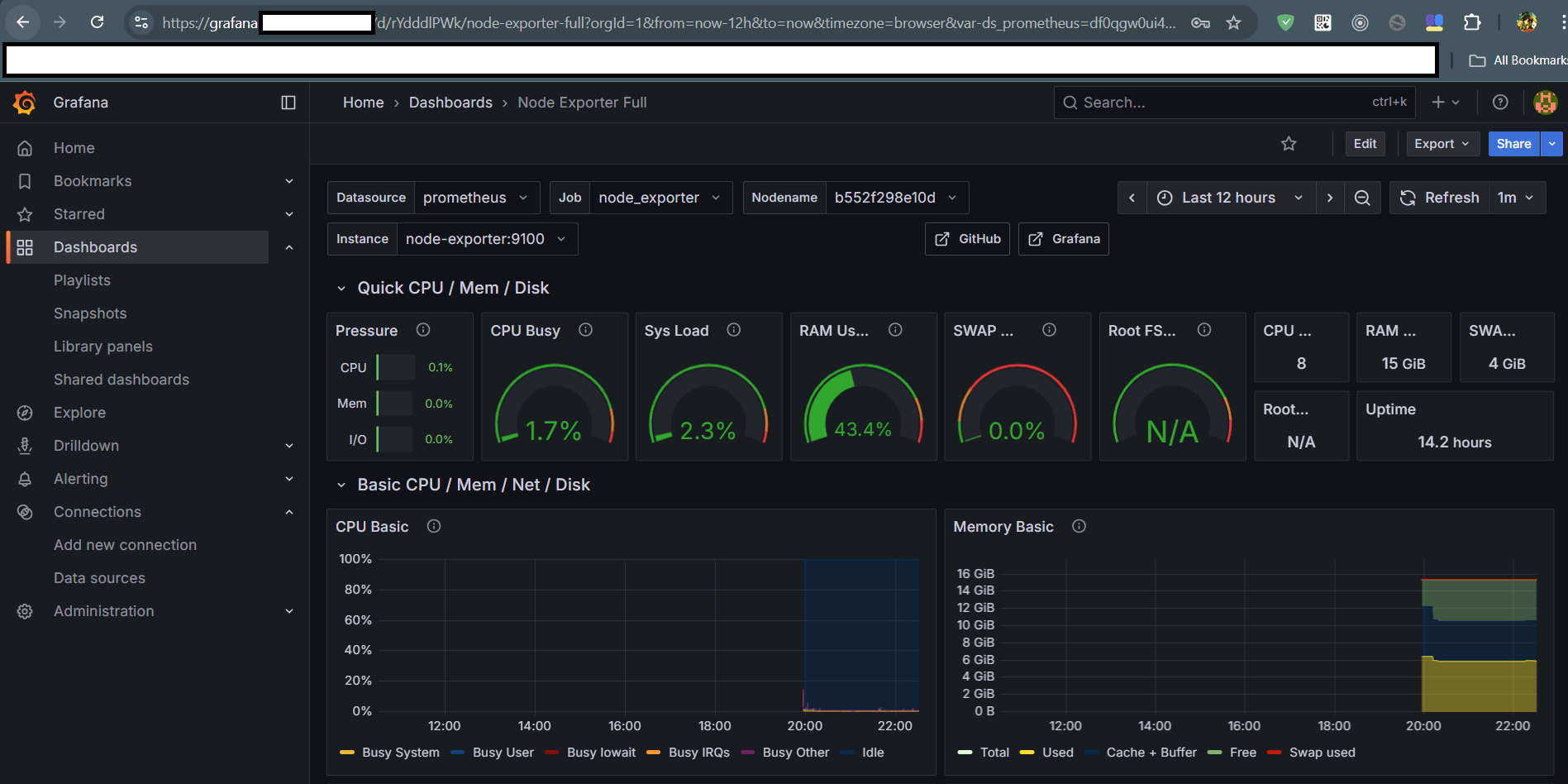
With centralized monitoring and autoscaling, teams can react quickly to performance changes and keep service availability high.